
Fall Detection and Text Alert
Fall alerts, sent to the people who care.
Radar-based monitoring designed to call and text designated care staff and family contacts when a possible fall is detected.
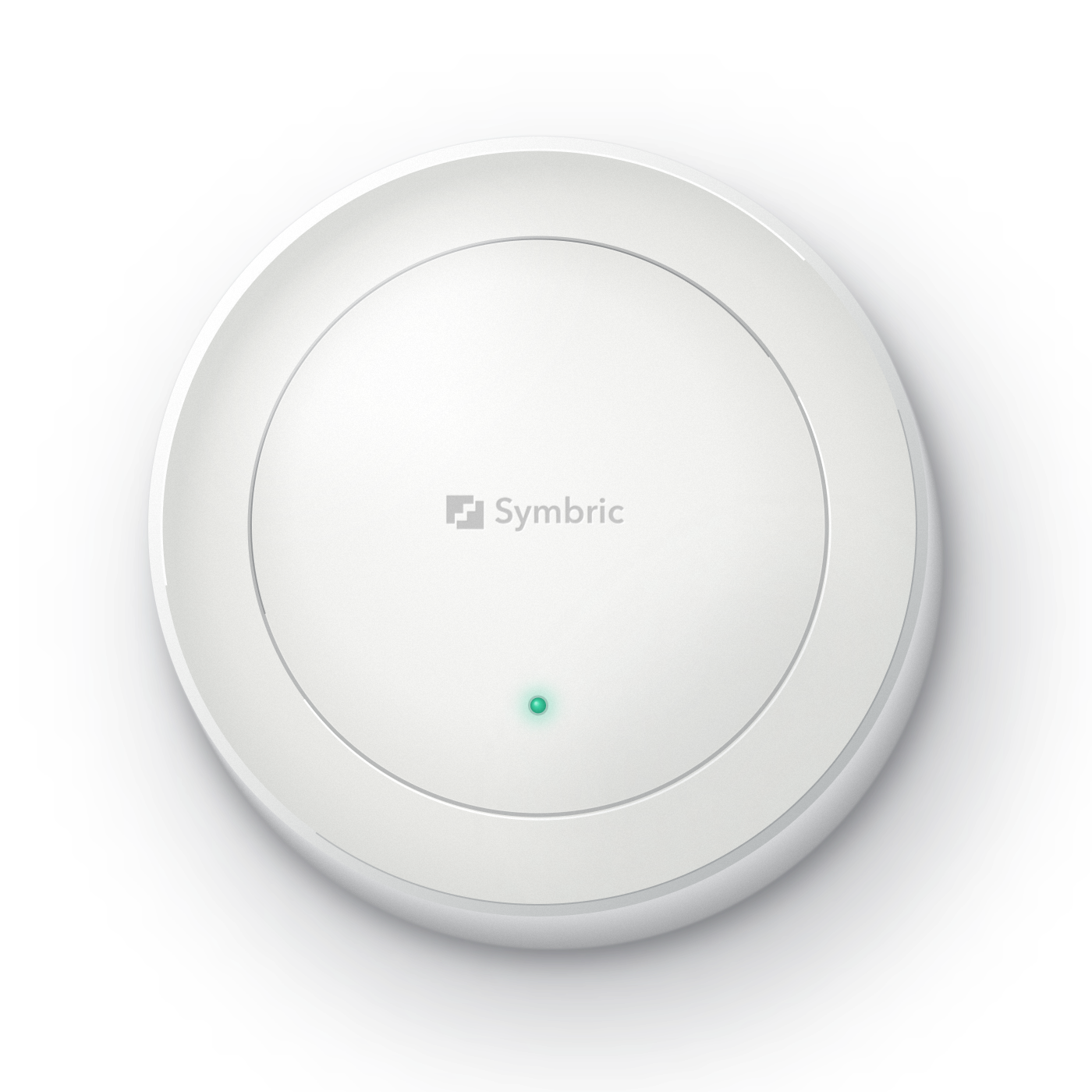
From possible fall to human response
An alert is the start of the response.
Monitor
Radar monitors the designated area.
Detect
Sensors look for movement that may indicate a fall.
Notify
Automated calls and texts alert designated responders.
Respond
Staff acknowledge the alert and follow their care procedures.
Coverage, sensor placement and the response plan are agreed during setup.
Implementation
Installed, tested and supported.
- Room coverage
- Check bedroom and bathroom layouts, suitable sensor placement and the areas each sensor can cover.
- Contact plan
- Agree who receives and acknowledges alerts, and what happens if an alert goes unacknowledged.
- Staff preparation
- Train staff on the alert workflow and test the response procedure before use.
- Ongoing operation
- Agree responsibilities for connectivity monitoring, technical support and maintenance.
Data and access
Privacy-conscious monitoring
Radar monitoring does not capture photographs or video.
Details of data collection, access and retention are provided before enrollment. Confirm what information appears in alerts and who receives it.
Review security and governanceLimits to plan for
Keep existing care procedures in place.
Sensors may miss falls or generate false alerts. Coverage depends on installation and room conditions. Fall alerts supplement existing care procedures; they do not prevent falls or guarantee response times.
Power or connectivity interruptions can affect monitoring and alert delivery.
For families
Ask your parent’s care team about Symbric.
Share the brochure to discuss room coverage, who receives alerts and how staff would respond.
Download the brochure (PDF)For care teams
Discuss your fall alert setup